
Select theme:






Centralize all your customer messages in one place with the shared inbox. Respond to inquiries, assign chats, and stay organized across your team—all from a single, easy-to-use dashboard.
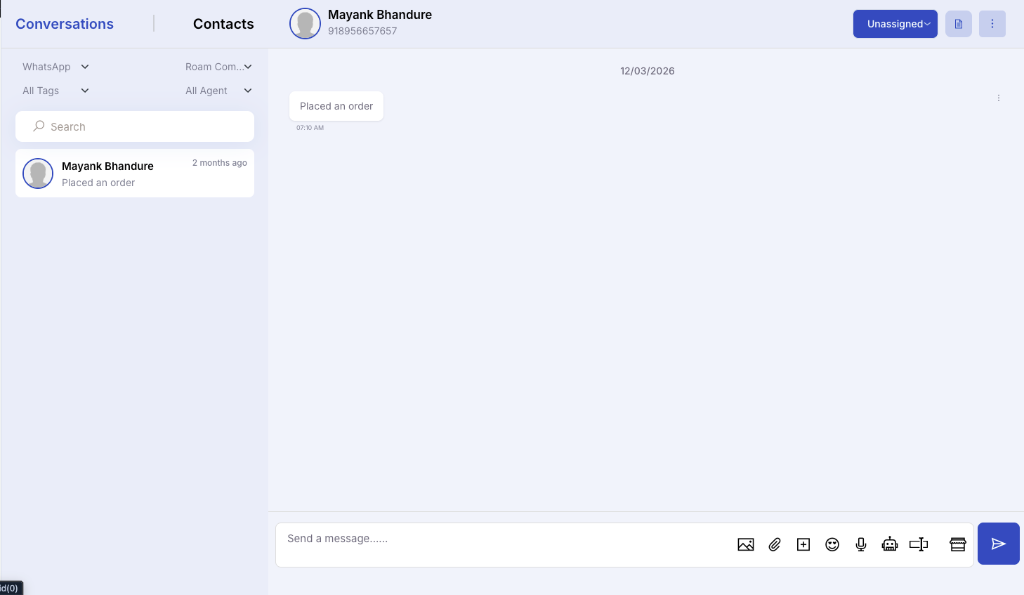
Promptengage equips teams with multi-agent routing, phone number masking privacy controls, visual tags, and quick canned response workflows.
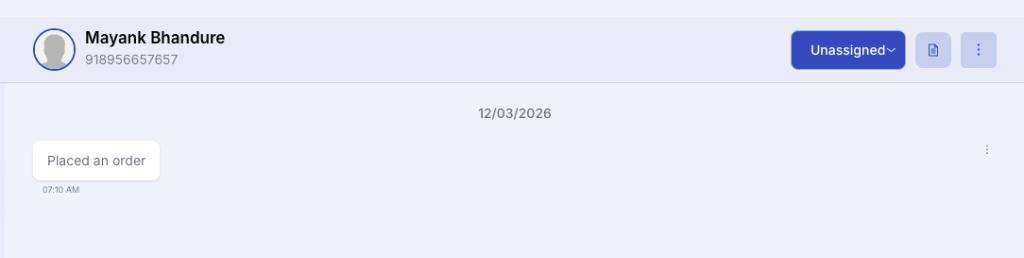
Ensure no customer message goes unanswered by assigning chats to multiple agents. Share the workload, improve response times, and provide better support by letting team members collaborate on customer conversations.
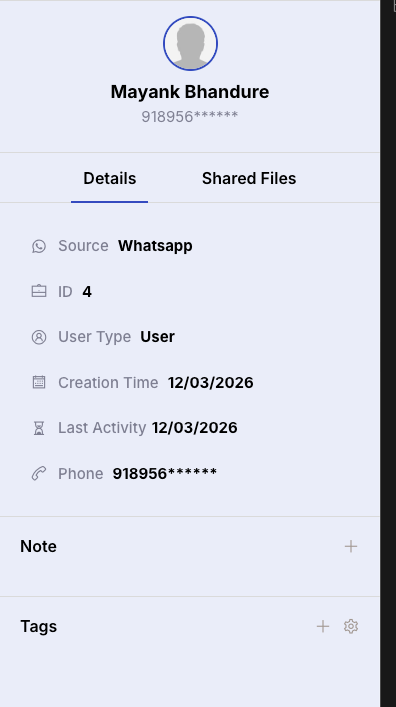
Safeguard your customer’s contact details by masking their phone numbers. This feature keeps full numbers hidden from agents, reducing the risk of data misuse and securing customer information.
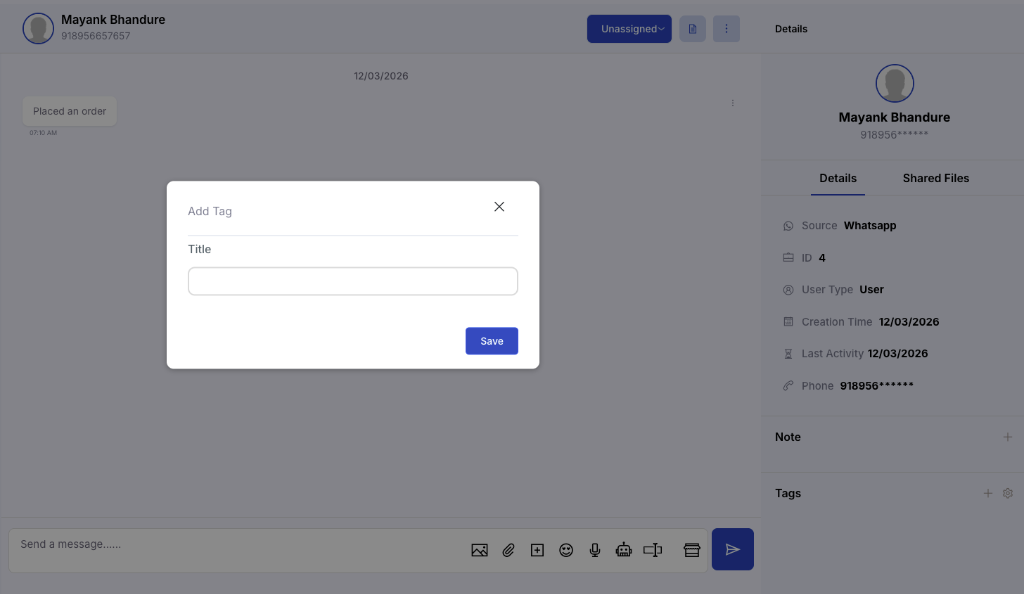
Easily organize and filter customer chats by tags, so you can quickly access specific conversations. Whether it’s support, sales, or follow-ups, tags help you keep track of what matters most and improve team efficiency.
Leverage official WhatsApp Business APIs to secure patient communications and automate scheduling operations.
Bring all customer messages from various channels into one centralized inbox, ensuring nothing is missed.
Assign conversations to team members, add internal notes, and work together to resolve queries.
Improve response times and consistency by providing your team with full chat history context.
Protect customer contact details from unauthorized copying and data leakage across agents.
Answer common questions instantly using pre-saved responses template shortcuts inside chat.
Easily sort, filter, and prioritize chats to optimize team focus and resolve sales leads faster.
Sync shopper details, trigger notifications, and automate alerts by connecting Promptengage directly to the platforms you already use daily.


Success stories speak louder. The best way to showcase our commitment is through the experiences of those who use Promptengage.
Customer Engagement
“Using Promptengage for our collaborative team shared inbox has been a game-changer. The interface made it easy to assign chats, and we've seen significantly better response rates.”
Response Time
“We've seen significantly improved response times for buyer queries and higher satisfaction. Personalizing canned responses and masking phone numbers has streamlined operations.”
Campaign Reach
“We were constantly seeking a reliable shared inbox solution for our support campaigns that wouldn't lead to high costs. Promptengage has been instrumental.”
Everything you need to know about the product and billing. Can’t find the answer you’re looking for? Please chat with our friendly team.
A WhatsApp Shared Inbox allows multiple agents to log in and manage conversations concurrently from a single official WhatsApp Business number, keeping customer communication centralized.
Yes. Incoming customer inquiries can be manually assigned to specific team members or auto-routed based on department settings, tags, or agent availability.
Promptengage supports phone number masking. You can hide the customer's phone number on agent screens so they can chat with users without seeing or copying their personal details, ensuring data safety.
Canned responses let agents save pre-written answers for FAQs (like opening hours, return policies, or pricing). Agents can recall and send them in a single click, saving response time.
Yes. Agents can add private internal notes and tags inside conversations that are only visible to your team, making it easy to collaborate and handover tickets.




Get started with WhatsApp Marketing today and centralize team chats!
Start 7-Days Free Trial • No credit card required.